Walk into any tech meetup in Berlin, a design conference in Amsterdam, or a client pitch in Milan right now and you will notice something: fewer people are pulling paper cards from their wallets. The digital business card has become the default for European professionals who want their contact information to travel further than a pocket that gets emptied into the recycling bin.
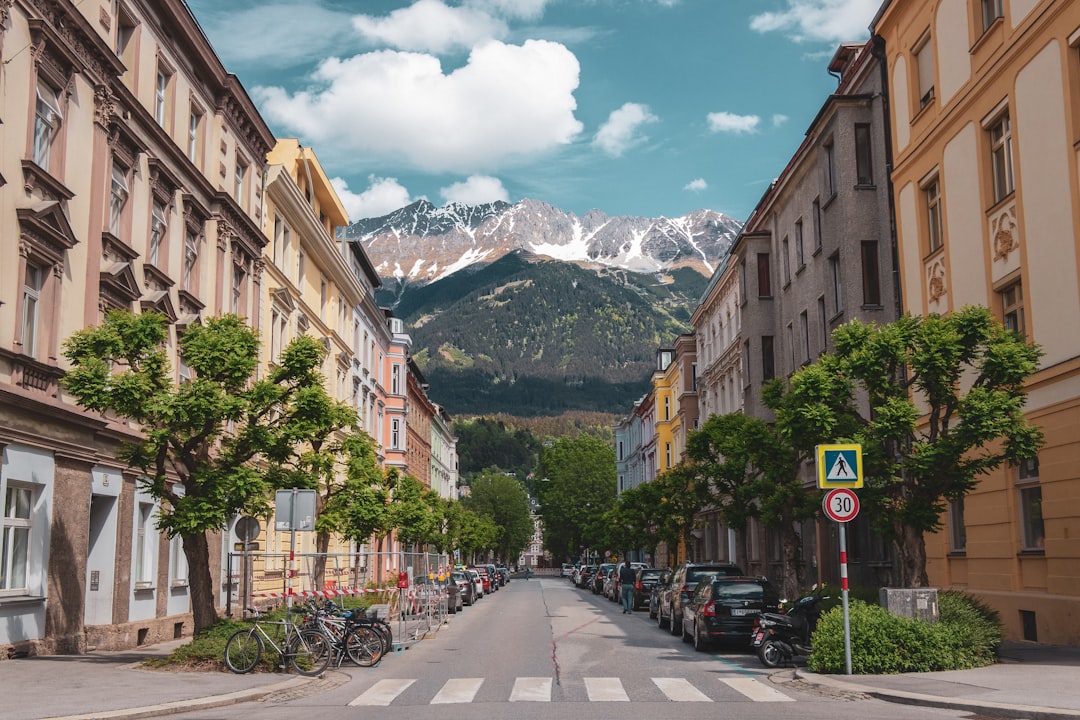
Cover photo by Patrick Robert Doyle on Unsplash.
What a Digital Business Card Actually Is in 2026
The term gets used loosely, so it is worth being specific. A digital business card is a mobile-optimised web page — not an app, not a PDF — that holds everything a new contact needs: your name, role, links, phone, email, and any other relevant profiles. You share it via a QR code, a tap (NFC), or simply by sending a link over WhatsApp or LinkedIn.
The key difference from a paper card is that it is live. Update your job title, add a new portfolio piece, or change your phone number and every person who has ever scanned your code sees the updated version automatically. No reprint, no waste, no explaining that the card in their drawer is out of date.
A full digital business card for European contexts typically includes:
- Name, photo, and one-line role description
- Clickable phone and email (one tap to call or message)
- LinkedIn, Instagram, or relevant social links
- A WhatsApp direct-message button (standard expectation in Southern and Eastern Europe)
- A short portfolio or product section if you are a freelancer or small business owner
- A QR code to download the vCard to a phone's contacts
Why European Professionals Are Ditching Paper Cards Specifically
Several factors are accelerating the shift in Europe that are less pronounced in other markets.
GDPR and data hygiene. Many European companies have become strict about storing personal data. A physical card left in a pile creates compliance grey areas for businesses that want to log contacts properly. A digital card that the recipient chooses to save — and can choose to delete — sits much more comfortably within a privacy-first culture.
Sustainability pressure. Sustainability is no longer a marketing talking point in Germany, the Netherlands, or Scandinavia — it is a baseline expectation. Cutting paper business cards is a small but visible signal that aligns with broader environmental commitments. Some B Corp-certified companies have added it to their annual impact reports.
Multilingual and multi-country work. European professionals frequently work across borders. A French consultant presenting in Warsaw needs their card readable in Latin script with an internationally recognisable format. A digital card sidesteps font and printing issues entirely and can be structured to surface the most relevant information for any audience.
Remote and hybrid work. Networking in Europe increasingly happens in hybrid formats — a Zoom call followed by an in-person dinner. A link shared in a video call chat is a natural continuation of that workflow; a box of paper cards shipped to a home office is not.
How to Set Up a Digital Business Card That Actually Gets Saved
The goal is not just to be shared — it is to be kept. Here is what separates a digital card that people bookmark from one they close immediately.
Lead with function, not decoration. Your name, your current role, and your clearest contact method should be above the fold. Visitors on mobile (the dominant scenario at in-person events) should not need to scroll to find how to reach you.
Use a real photo. A professional headshot, not a logo. People remember faces. The photo also makes the page feel personal rather than templated.
Make the WhatsApp button prominent if your audience expects it. In Spain, Italy, Poland, Romania, and most of the Middle East diaspora communities in European cities, WhatsApp is the default messaging channel for professional follow-ups. A pinned WhatsApp button removes friction at exactly the right moment.
Add a short bio or offer line. One sentence that explains what problem you solve or what you do for clients. This is what people will forward when they recommend you to someone else.
Include a vCard download. Some contacts — especially those in financial services or legal professions — still want a contact saved natively to their phone. A one-tap vCard download covers this without requiring them to manually type anything.
Keep the URL short and memorable. A link like alllinks.cc/youname or a custom domain is far more usable in a conversation than a long random string. This matters at events where someone says "just send me your link" over noisy background music.
Sharing Your Digital Business Card at European Events
The mechanics of sharing matter as much as the card itself. Here are the formats that work well across different European networking contexts:
- QR code on your phone lock screen. Pull it up, hand your phone to the other person. Fastest method at busy events. Works at trade shows in Hannover, startup nights in Lisbon, and art fairs in Paris.
- QR code on a printed lanyard card or name badge. Some professionals print a single small card with only a QR code and their name. It is cheaper than a full business card run and does not become obsolete.
- NFC-enabled card or sticker. Several European providers sell NFC business cards that tap to open your digital page. These work well for roles where you shake a lot of hands quickly — sales, recruitment, real estate.
- WhatsApp or LinkedIn message immediately after meeting. Send your link as a follow-up within the same day. This doubles as a reminder of who you are and gives them a live bookmark rather than a card they have to photograph later.
- Email signature link. Add your digital card URL to your email footer. Everyone you correspond with can access your full profile in one click.
What to Look for in a Platform for Your Digital Business Card Europe Setup
Not all link-in-bio tools are built equally for this use case. Linktree, Beacons, and Carrd are well-known options, but they are designed primarily for social media content creators. For a professional networking card, look for:
- A pinnable contact or WhatsApp button at the top of the page
- A built-in QR code that updates automatically when you change your URL
- A vCard download option so contacts can save your details to their phone's address book
- Clean, professional-looking themes that are appropriate for B2B contexts, not just creator aesthetics
- Click analytics so you know which links people actually tap — useful for refining what you show
- A free plan that covers the basics without requiring a paid subscription to look professional
Build Your Digital Business Card with Alllinks
If you want a single page that covers all of this — contact buttons, image-thumbnail links, a shop or portfolio section, QR code, vCard download, click analytics, and themes that look professional rather than social-media-flashy — Alllinks is free to start and takes about ten minutes to set up. The free plan gives you a working page immediately; upgrading adds a custom domain and advanced features when you need them. For European professionals who want one link to hand out at every event, it covers the full stack without requiring technical knowledge or a monthly subscription to justify.
