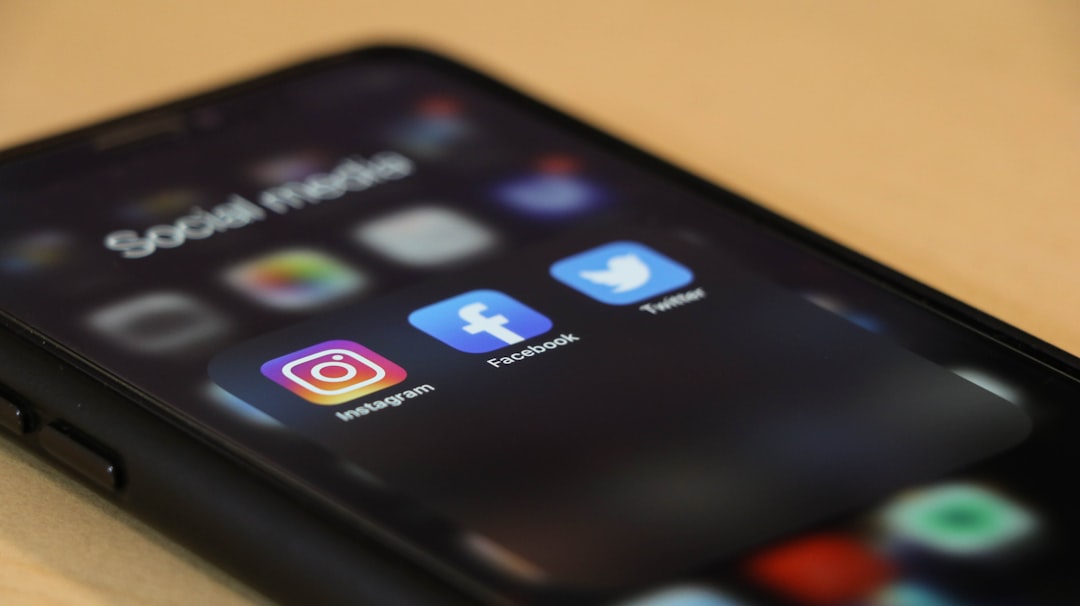
Adding a link to your Instagram Story takes about ten seconds once you know where the sticker lives — but most people stop there and wonder why nobody taps it. This guide covers how to add link to Instagram story, how to make it visible enough that viewers actually use it, and what should be waiting for them on the other side.
Cover photo by dole777 on Unsplash.
How to Add a Link to Your Instagram Story: Step by Step
Instagram opened the link sticker to every account in 2021. You no longer need a minimum follower count, a verified badge, or a business profile. Here is the process:
- Open the Instagram camera or tap the + icon and select Story.
- Capture a photo or video, or upload one from your gallery.
- Tap the sticker icon (the square smiley face) at the top of the screen.
- Scroll the sticker tray and tap Link.
- Paste your URL into the field. Optionally replace the display text — by default it shows the raw URL, but you can write something like "Shop now" or "Read the post" instead.
- Tap Done, then drag the sticker anywhere on your canvas and pinch to resize.
- Tap Your Story to publish.
That is the whole mechanic. The link opens in Instagram's built-in browser, so viewers never fully leave the app — keep that in mind when you design your landing page.
Why Most Story Links Get Ignored (and How to Fix It)
The default link sticker is a small, easy-to-miss pill on a busy background. Viewers who are swiping fast will scroll straight past it. A few adjustments make a meaningful difference:
- Write explicit copy on the sticker. Change the display text to a direct action: "Tap to order", "Get the free guide", "See full tutorial". Vague labels like "link" perform poorly.
- Add a handwritten arrow or pointing emoji above the sticker. Draw an arrow with the pen tool pointing directly at the sticker. It is low-effort and consistently doubles tap rates for smaller accounts.
- Use contrast. Place the sticker over a plain area of your image or add a colored text box behind it so it stands out from the background.
- Say it out loud on video. If your Story is a short clip, look at the camera and say "link is below" or "tap the link sticker right here". Verbal prompts convert better than visual ones alone.
- Position it in the center-bottom third of the screen. Thumbs rest near the bottom while people hold their phones. Center-bottom is the highest-tap zone — top corners are often hidden by the profile photo and menu icons.
Choosing the Right URL for a Story Link
The URL you paste is just as important as the sticker design. Instagram Stories disappear after 24 hours (unless you save them as Highlights), so sending people to a page that goes stale — a limited-time sale page, a one-day event registration, a tweet — works fine. For evergreen Stories that live in Highlights, you need a stable destination.
Common mistakes to avoid:
- Linking directly to your Instagram profile. That just sends people in a circle.
- Linking to a desktop-first website. Instagram's built-in browser is a small mobile window. If your site loads slowly or has a pop-up that covers the screen immediately, people leave within three seconds.
- Using a different link every time. If you run Highlights, the link baked into an old Story is permanent. Use a page you control and can update without changing the URL.
The cleanest solution for most creators and small businesses is a single link-in-bio page that aggregates everything — and that URL never changes, even when your offers do.
Instagram Story Links vs. Bio Link: When to Use Each
Your bio link is always accessible; story links are time-sensitive and context-specific. Think of them as different tools:
- Bio link — your permanent home base. Good for your portfolio, your main shop, your most important content. Every profile visitor sees it.
- Story link — a direct response trigger. Use it when you want people to act right now: buy a product you just featured, register for a webinar today, read the article you just published.
Many creators make both work together: the Story link goes to a specific product page, while the bio link goes to a landing page that shows everything including that product. Viewers who miss the Story still find the offer.
Story Links for Business Accounts: Specific Use Cases
The link sticker is especially powerful for a few scenarios where the Story context does most of the selling for you:
- Product reveals. Post a 15-second unboxing or demo, then drop a link sticker to the product page. The visual context removes the need to explain what you are selling.
- Flash sales. A countdown sticker next to a link sticker creates urgency without any copywriting. Use both on the same Story frame.
- Blog or YouTube traffic. Post a short teaser clip or a slide with a compelling hook, then link to the full piece. Works well for tutorial content where the teaser can show the end result before the steps.
- Lead capture. Link to a simple form or a free download landing page. Keep the form to two or three fields — anything longer loses people who arrived from a mobile Story tap.
- Event registration. Pair a location sticker, a countdown sticker, and a link sticker on the same frame. Three stickers, one very clear message.
Build a Landing Page Worth Tapping To
Story links lose half their value if the destination is slow, cluttered, or hard to navigate on a phone screen. When someone taps your sticker, they expect a page that feels like a natural extension of the Story — fast-loading, mobile-first, and focused on one action.
A good landing page for Story traffic should load in under two seconds, show your most important link or offer above the fold without scrolling, and have a clear call to action. If you are sending traffic to multiple destinations — your shop, your latest post, a booking page, your WhatsApp — a link-in-bio page does that job cleanly without requiring a separate website.
Make Every Story Link Count with Alllinks
If you are posting Stories regularly and linking to different things each time, managing a single stable landing page is much simpler than juggling individual URLs. Alllinks gives you a fast, mobile-optimized link-in-bio page where you can organize your links with image thumbnails, add a shop section, embed videos, set up a pinned WhatsApp contact button, and track which links get the most taps — all on a free plan. You change the page when your offers change, but the URL in your Stories and bio stays the same. It takes a few minutes to set up and immediately makes your Story links more useful to people who want to explore beyond a single tap.
