If you sell on Etsy and use Instagram or TikTok to grow your audience, you already know the frustration: one bio link, dozens of products, and no good way to point followers to the right listing at the right time. A proper link in bio for Etsy sellers solves this directly — it acts as a mini storefront that sits between your social profile and your Etsy shop, funneling visitors exactly where you want them.
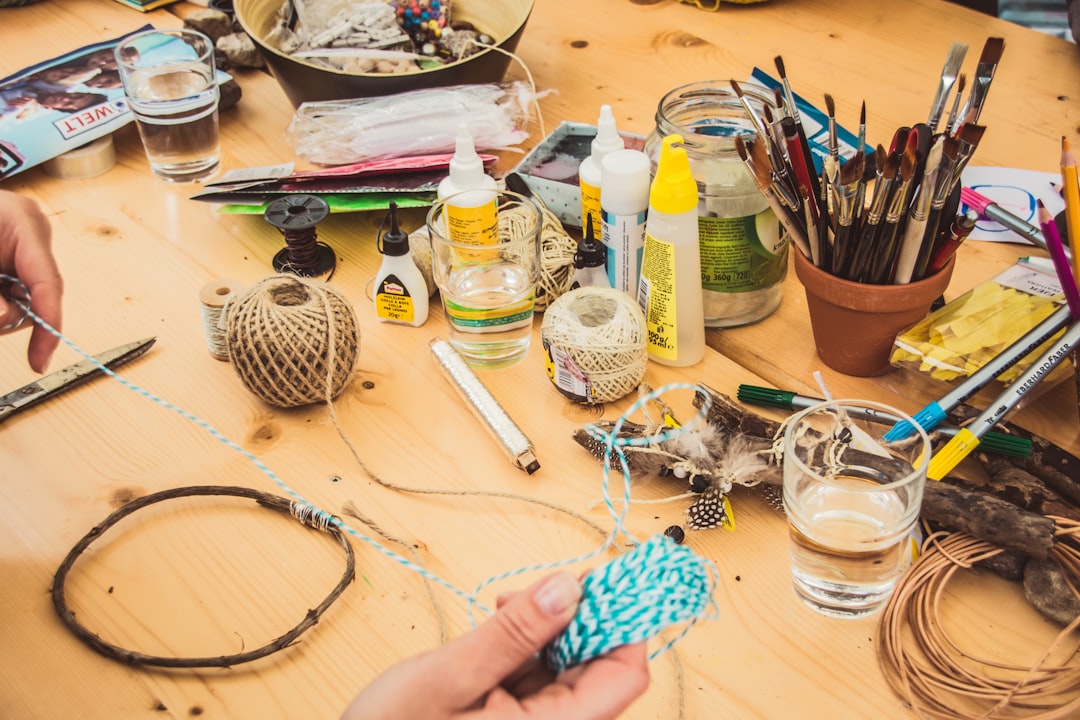
Cover photo by Jasmin Schreiber on Unsplash.
Why a Single Etsy Shop Link Isn't Enough
Dropping your main Etsy shop URL in your bio works fine if a follower is already motivated to browse. But most aren't. Someone who just watched a 30-second TikTok of you making a custom leather wallet wants to buy that wallet, not scroll through 80 other listings to find it.
A link-in-bio page lets you feature specific listings front and center — the best-sellers, the seasonal items, the ones you just restocked. You can update it whenever your inventory changes without touching your social bio again. That flexibility alone makes it worth setting up.
There's also the problem of running promotions. Etsy lets you create coupons, but you can't deep-link directly to a coupon from Instagram. A link-in-bio page is where you put a visible banner or button that says "Use SUMMER15 at checkout" with a direct link to the relevant listings — something a plain shop URL can't do.
What to Include on Your Link in Bio for Etsy
Keep it focused. A cluttered page loses people. The goal is to remove friction between seeing your content and placing an order. Here's what actually works for Etsy sellers:
- 3–5 featured product buttons with thumbnail images. Each button links directly to a specific Etsy listing — not the shop homepage. Use the actual product photo as the thumbnail so it matches what the follower just saw on Instagram or TikTok. This visual match is key; it confirms they've landed in the right place.
- Your full Etsy shop link. Include it, but make it secondary. Label it "Browse the full shop" and put it below the featured items. The featured listings should be the first thing people see.
- A current offer or coupon code. A simple text block or button that shows your active discount code. Update this whenever a sale starts or ends. It works as a soft urgency nudge without being pushy.
- A WhatsApp or contact button. Custom orders are a major revenue driver for many Etsy sellers. A pinned contact button (WhatsApp, email, or a contact form) catches buyers who want something bespoke before they leave the page.
- A short photo gallery or behind-the-scenes strip. A 3–6 image gallery of your process, packaging, or recent work builds trust fast — especially for handmade goods where craft quality matters. It's not decoration; it answers the unspoken question "is this seller legit?"
- Seasonal or collection sections. If you sell holiday items, wedding favors, or gifts by occasion, group them under a section title ("Wedding season picks" or "Mother's Day gifts"). This makes the page feel curated rather than random.
How to Structure the Page for Maximum Clicks
Order matters. People scan top to bottom and leave fast. Follow this structure:
- Top slot: your #1 best-seller or the item from your most recent viral post. Whatever drove traffic here, echo it immediately. If your TikTok was about a custom name necklace, the first button should go to that listing.
- Second slot: a seasonal or trending item. What's currently your fastest mover? Put it here.
- Third slot: your coupon or current offer. A simple button or text block with the code and a direct link to eligible listings.
- Fourth slot: full shop browse link. For buyers who want to explore.
- Fifth slot: custom order / contact button. Catches the high-value custom-order inquiries.
- Below the fold: gallery, about text, or seasonal collections. These support trust but don't need prime real estate.
Resist the urge to add every social platform, every product category, and every link you think might be useful. More options slow decisions. Keep the page under 8 items and review it weekly during peak seasons.
Keeping Your Page Current
An outdated link-in-bio page is worse than no page at all. If someone taps your bio link and sees a "sold out" listing or a coupon that expired two months ago, they leave and don't come back. Build a simple habit around your posting schedule:
- Every time you post about a specific product, check that the matching button is at the top of your link-in-bio page.
- When you start a sale, update the coupon button that day.
- At the start of each month, swap out any listings that are low on inventory or no longer featured in your social content.
- Before peak seasons (Valentine's Day, holidays, back to school), build a seasonal section a week in advance so it's ready when traffic spikes.
The platforms that make this easy are the ones worth using. You want to be able to update a button URL or swap a thumbnail image in under two minutes on your phone, without having to dig through settings.
Comparing Link-in-Bio Options for Etsy Sellers
The main tools Etsy sellers use are Linktree, Beacons, Carrd, and Alllinks. Here's a practical breakdown of what matters most for selling:
- Linktree works fine for simple link lists but shows image thumbnails only on paid plans, and the free tier adds Linktree branding. For a product-focused page where visual match matters, the free tier falls short.
- Beacons has more block types (including a native Etsy store block), but the interface is busier and takes longer to set up. Better for creators with multiple revenue streams; possibly over-engineered for a focused Etsy page.
- Carrd is a static site builder dressed up as a link-in-bio tool. More design control, but updating listings or swapping products takes longer — it's not optimized for frequent inventory changes.
- Alllinks is built around image-thumbnail link buttons, a products/shop section, and a pinned contact button — features that map directly to what Etsy sellers need. The free plan is functional; paid plans add a custom domain (so you can use something like links.yourshop.com instead of alllinks.cc/yourname) and advanced analytics.
Set Up Your Etsy Link-in-Bio Page with Alllinks
If you want a page that reflects your brand instead of a generic list of URLs, create your free Alllinks page and build it in under 15 minutes. Add product buttons with your Etsy listing photos, set up a WhatsApp contact button for custom orders, drop in a photo gallery of your work, and pin your current coupon at the top. The free plan covers everything an Etsy seller needs to start driving clicks. When you're ready for a custom domain and deeper analytics, the paid plan is straightforward to upgrade to.
