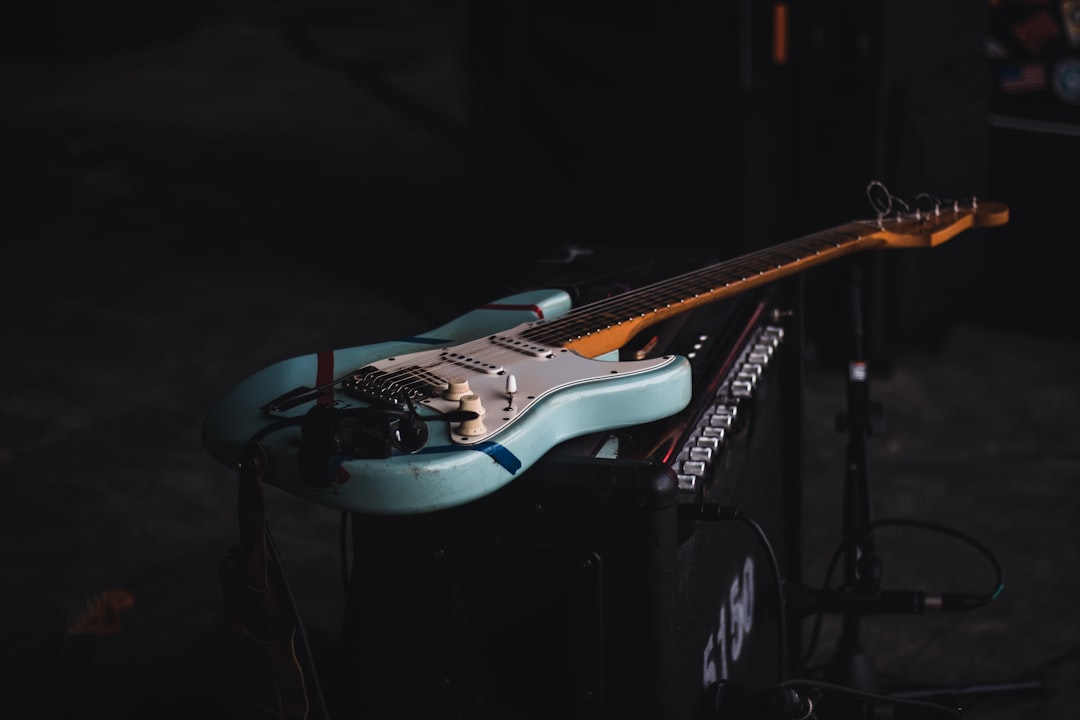
You release a new single, update your Instagram bio link, and then your latest tour announcement — the one you posted three weeks ago — is suddenly buried. A properly built link in bio for musicians solves this by giving fans one permanent URL that always shows exactly what you want them to see right now: your newest track, your ticket link, your merch drop, and every streaming platform you are on.
Cover photo by Simon Weisser on Unsplash.
Why musicians need more than a list of streaming links
Most streaming aggregator tools — DistroKid's HyperFollow, Linktree, a plain Linktree-style list — do one thing: list links. That is fine for a debut artist with three platforms to cover. But once you are also selling merch, running a mailing list, posting short-form video, booking shows, and selling beats or sample packs, a flat list creates a bad first impression. Fans arriving from TikTok or Instagram expect something that feels like a mini-site: a photo, context, a clear hierarchy of what is most important today.
The hierarchy matters. Your new single deserves to be pinned at the top with a cover-art thumbnail. Your Spotify and Apple Music links can sit below it. Your merch store and older releases go further down. That ordering is not permanent — it should shift every time you have a release or a tour leg. The platforms that make reordering fast (drag and drop, no code) save you real time every week.
What a strong link in bio for musicians actually contains
Here is a concrete structure that works for most independent artists and bands:
- Profile section: your artist photo or latest release art, your name, a one-line bio or current tagline. Keep it short — fans already know who you are, they are not reading an about page.
- Pinned release card with thumbnail: a large button with the cover art for your current single or album. This is the first thing they tap. Label it clearly: "Stream [Song Title] Now".
- Streaming row: Spotify, Apple Music, YouTube Music, Deezer, Tidal — whatever you are actually on. Use platform logos so fans recognise them immediately. Do not list every obscure DSP; list the ones your fanbase uses.
- Ticket or show link: a single button that goes to your current tour page or a Bandsintown/Songkick profile. If you have no active shows, remove this button entirely — dead links undermine credibility.
- Merch store: one button to your Shopify, Bandcamp, or Etsy store. If you have a current limited drop, use a thumbnail image button so it looks like a product, not just a text link.
- Music video or reel embed: if your platform supports it, embed your latest YouTube video or a short-form clip directly on the page. Fans who land from Instagram are already in video-watching mode.
- Mailing list or community link: this is the asset most artists neglect. A link to your Substack, Mailchimp form, or Patreon belongs here — near the bottom, but present.
- Social icons in the header: small icons for Instagram, TikTok, Twitter/X, YouTube. These should be icons, not full buttons, so they do not compete with your main CTAs.
How to handle multiple releases without making the page a mess
If you have a back catalogue, the temptation is to list every album. Resist it. Your link in bio page is not a discography — it is a conversion tool. Structure it like this instead:
- One pinned card for your current release (updated per campaign).
- One section titled "More Music" or "Catalogue" with 3–4 older releases as smaller image-thumbnail buttons. Grid layout works well here — two columns, square cover art, album title, no description.
- A single "See Everything on Spotify" or "Full Discography" button at the bottom of that section for superfans who want to go deeper.
This gives casual listeners a clear path (the new single) and die-hard fans a way to explore, without overwhelming either group.
Selling beats, samples, or lessons directly from your page
Producers, beatmakers, and artists who also teach need a slightly different structure. Add a dedicated section — "Beats for Sale" or "Work With Me" — that sits between your music links and your socials. Each listing should have a title, a short description, and a price or "DM to inquire" label. Platforms that support a native shop section let you display these as product cards with a checkout or redirect button, which converts better than a plain link to an external beat store.
If you sell on Beatstars, Airbit, or Etsy, you can still link out, but use an image thumbnail of the beat cover or a product photo. It looks intentional, not like an afterthought.
Analytics that actually matter for musicians
You do not need enterprise-level dashboards, but you do need to know two things: which platform your fans click most, and which social channel is sending them to your page. Most link-in-bio tools show click counts per link — that is enough to tell you whether to prioritise Spotify or Apple Music in your ad targeting, or whether your TikTok bio is outperforming your Instagram bio. Check these numbers after every release campaign and adjust the order of your links accordingly.
QR codes matter more for musicians than most niches. You can print your QR code on merchandise, show flyers, CD inserts, or backstage passes. Fans scan it and land directly on your page. Make sure your platform generates a clean QR code that you can export as a PNG or SVG.
Choosing the right platform: what to look for
Linktree is the most recognised name, but it has trade-offs: the free tier shows Linktree branding and limits customisation. Beacons has a more generous free tier and better music-specific features like a music player. Carrd is highly customisable but requires manual HTML/CSS work that most artists do not have time for.
The things that matter most for musicians specifically:
- Image-thumbnail link buttons: so your release art shows, not just a text label.
- A shop or products section: for merch and digital products without paying a separate platform fee.
- Video support: embed or upload a music video or clip directly on the page.
- Custom domain on paid plans: so your link reads yourname.com, not linktree.ee/yourname.
- Mobile-first design: the vast majority of your fans are on phones. The page must load fast and look sharp on a 390px screen.
- Free plan available: you should be able to test the tool and build your page before committing to a subscription.
Set up your link in bio with Alllinks
If you are ready to build a page that covers all of the above — streaming links, release thumbnails, merch shop, video, QR code, and click analytics — Alllinks is a free link-in-bio platform built for exactly this use case. The free plan lets you create your full page with image-thumbnail buttons, a photo gallery, and basic analytics. Upgrading to a paid plan adds a custom domain, advanced analytics, and additional design themes. It takes about ten minutes to set up and you can reorder or update everything without touching any code.
