Your Instagram bio has one job: turn a curious follower into a booked client. A well-structured link in bio for personal trainers does that by putting the right options in front of people at the exact moment they decide to act — no DMs required, no link-chasing, just a clean page that converts interest into action.
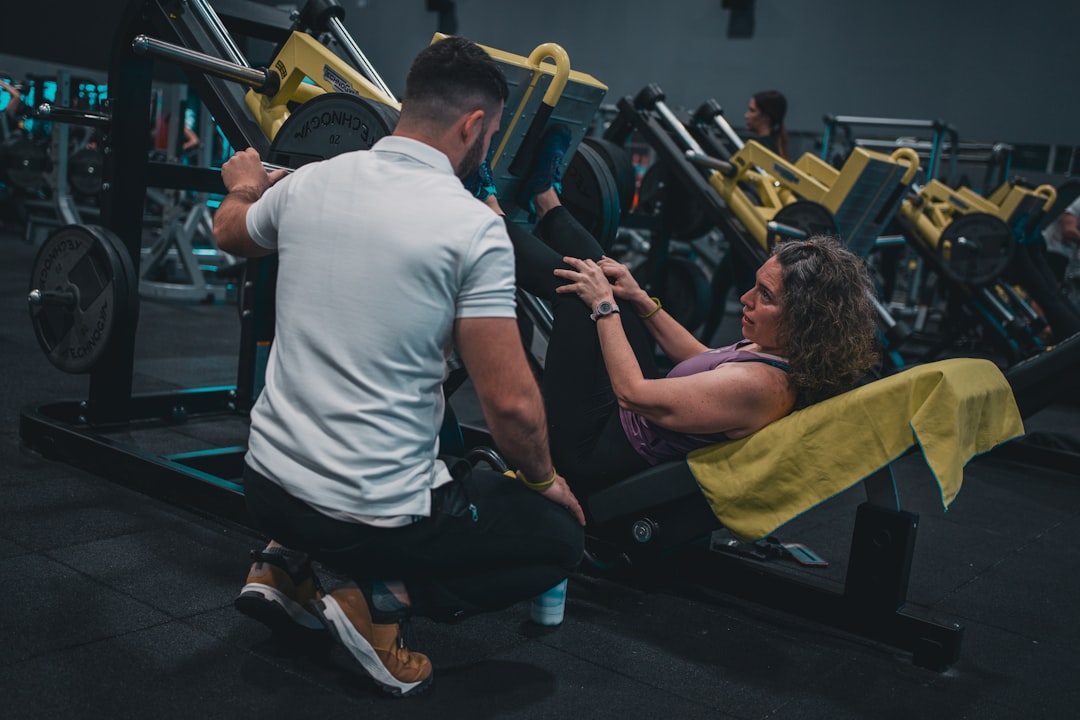
Cover photo by Sergio Kian on Unsplash.
Why Personal Trainers Need a Dedicated Link-in-Bio Page
Instagram, TikTok, and YouTube each allow a single clickable link in your profile. If that link goes to your homepage (or worse, nowhere), you're losing people who were ready to hire you. A link-in-bio page is a lightweight mobile landing page that sits between your social profile and every destination you want to send people to: your booking form, your program sales page, your free guide, your WhatsApp, and anything else relevant to your business.
The practical difference is significant. A follower who clicks your bio link has already decided to learn more. A generic website buries the call to action under navigation menus, blog posts, and team bios. A focused link-in-bio page shows them exactly three to five options and nothing else.
What to Put on Your Link in Bio for Personal Trainers
The goal is to match the page structure to how clients actually make decisions. Most people go through the same mental steps: they check your credibility, they look at what you offer, they find a price or a starting point, and then they take one action. Build your page in that order.
- Book a free consultation or intro call. Put this first. A low-commitment starting point converts better than a direct "buy now" button. Use a Calendly link, a WhatsApp link, or a simple contact form. If you train clients in person, include your city so people know immediately whether you're local.
- Your main coaching program with a clear price or price range. Vague pricing makes people hesitate. Even a range ("12-week programs from $X") reduces friction. Link directly to a sales page or a short landing page, not your full website.
- A free resource as a lead magnet. A downloadable PDF workout plan, a 7-day meal guide, or a short video series works well. People who download it give you an email address; you follow up. This is especially effective if you sell online coaching and want to build a list before pitching.
- Transformation photos or a results gallery. Social proof is the strongest trust signal a trainer can show. A small photo gallery on the page itself — before they click away — keeps people engaged longer than a link to a separate testimonials page.
- Your most-used platform link. If you post workout videos on YouTube or TikTok, include that. It lets warm prospects keep consuming your content and come back when they're ready to pay.
Layout Choices That Actually Affect Conversions
The order and visual weight of your buttons matters more than most trainers realize. Here's what works in practice:
- Put the booking or contact button at the very top, styled distinctly (a different color or a pinned floating button). People who are ready to act should not have to scroll past five other options to find it.
- Use image thumbnails on your program buttons. A button that shows a photo of you training a client communicates more in half a second than any headline. Most link-in-bio tools support image-backed link buttons.
- Keep the total number of links under six. Adding more options almost always reduces the number of people who take any action. If you have multiple programs, group them under one button that goes to a comparison page.
- Include a pinned WhatsApp or phone link if your clients expect to message you directly. For many trainers working in local markets, WhatsApp is the primary conversion channel — not email.
Online Coaches vs. In-Person Trainers: Different Page Structures
The same page does not work equally well for both models.
Online coaches typically drive traffic from short-form video on TikTok or Instagram Reels. Their audience is broad and cold, so the page needs to qualify people quickly. Lead with a free resource (a plan, a challenge, a quiz) to capture emails, follow with a paid program link, and include a short video embed that shows your coaching style. Analytics matter here — knowing which link gets clicked most helps you figure out where to focus your content.
In-person trainers work a local market. Their page should clearly state the city or gym, include a direct booking link (Google Calendar, Calendly, or a simple WhatsApp message), and show real client results. A QR code on business cards, flyers, or gym posters that points to this page is a practical offline-to-online bridge that online coaches rarely need.
Common Mistakes to Avoid
- Sending people to your full website. A homepage with a navigation bar is a distraction. Link directly to the specific action you want people to take.
- No photo or visual context. A plain list of text buttons looks unfinished and reduces trust. At minimum, use a good profile photo and one or two image-backed link buttons.
- Updating content but never updating the page. If you launch a new program or change your prices, the link-in-bio page should be the first thing you update, not an afterthought.
- Using the same page for every platform. The audience coming from TikTok is different from the audience coming from LinkedIn. If you post on both, consider whether a single page serves both or whether you need platform-specific landing pages.
- No analytics. If you don't know which buttons get clicked, you can't improve the page. Use a tool that shows per-link click data so you can see whether people are actually finding your booking link or stopping at your free guide.
Set Up Your Trainer Link-in-Bio Page with Alllinks
If you want a fast, mobile-ready link-in-bio page without paying for a full website, Alllinks is a straightforward option built for exactly this use case. You get image-thumbnail link buttons, a photo gallery for transformation photos, a products section for selling programs, a pinned WhatsApp or contact button, a QR code, per-link click analytics, and custom themes — all on one page that loads fast on mobile. The free plan covers the essentials; upgrading adds a custom domain and advanced features. It competes directly with Linktree, Beacons, and Carrd, but with a stronger focus on the visual, product-heavy pages that fitness creators typically need.
