Your Instagram grid earns the likes. Your link in bio earns the bookings — but only if you set it up like a photographer who wants to get hired, not just admired. Most photographers treat that single link as an afterthought: a bare URL to a slow website, or a plain stack of text buttons. Then they wonder why people love the work and scroll right past the chance to book it. Here is how to turn that one link into a booking machine.
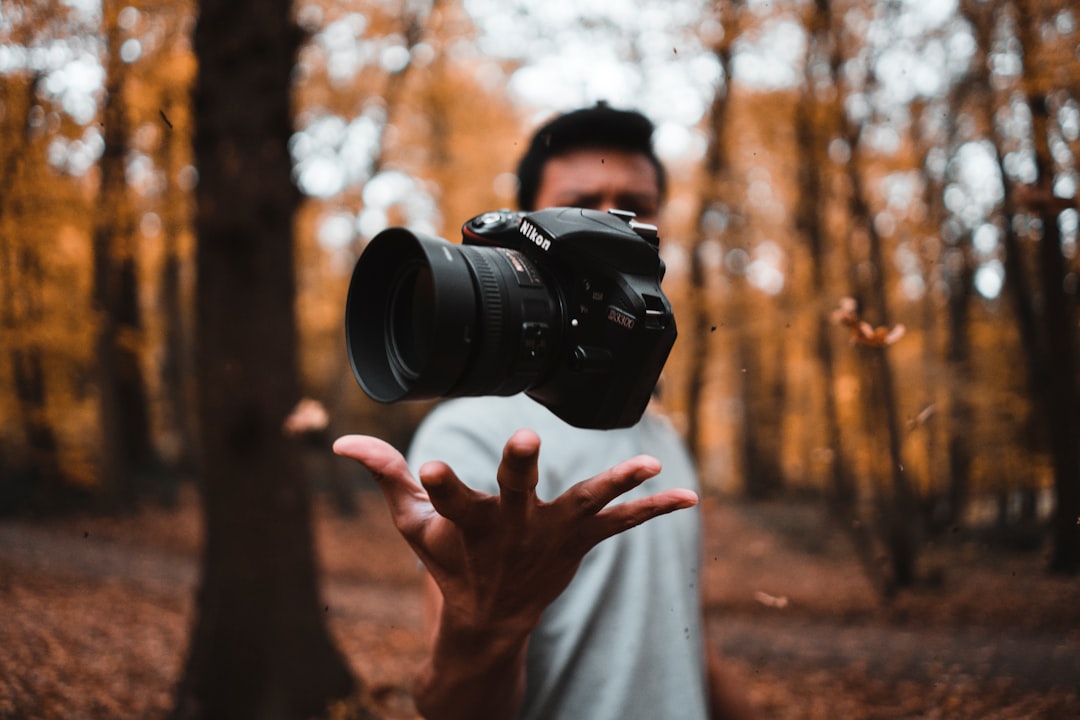
Cover photo by Reinhart Julian on Unsplash.
Why photographers lose clients at the link in bio
Think about how a booking actually starts. Someone is scrolling, a photo stops them, and for about twenty seconds they are curious about you — on their phone, right now. That twenty seconds is the whole game. If your link drops them onto a desktop-built website that takes six seconds to load, or a generic list of blue links with no images, the warmest part of their interest is gone before they ever see your best work.
The page behind your link has one job: show your strongest work and make "how do I book you?" impossible to miss. Everything else is decoration.
What every photographer's page needs
- A hero shot and a one-line positioning. "Wedding & portrait photographer, Cairo — booking 2026." Tell people what you shoot and where in the first second.
- Galleries grouped by category. Weddings, portraits, products, events. Use image thumbnails, not text links, so the page reads like a portfolio.
- Packages or "starting at" pricing. A price range quietly filters out tire-kickers before they fill your inbox.
- One unmistakable booking button. WhatsApp or an inquiry form, pinned near the top — not buried at the bottom.
- Social proof. Two or three short client quotes do more than a paragraph about yourself.
Tailor the page to what you shoot
A wedding photographer and a product photographer are selling completely different things, so their pages should not look the same.
- Wedding: lead with one full-story gallery and a "Check my 2026 dates" button. Dates are scarce, and scarcity books clients.
- Portrait & personal branding: show before/after sets and a clear, simple session-package list. People book when they can picture the result.
- Product & brand: show the logos of brands you have shot for and a "Request a quote" form. Brands buy on trust and speed.
- Real estate & architecture: fast-loading galleries plus your turnaround time ("48-hour delivery") front and centre.
Make it feel like a portfolio, not a menu
The fastest way to look amateur is a page of identical text buttons. The fastest way to look booked-solid is a page that feels like a tiny portfolio. Put an image thumbnail on every link, group your shots into proper galleries, and lead with a short reel or your single best frame. When the page itself proves you can shoot, the booking button does the rest.
Turn taps into inquiries
Three things separate a page that gets admired from one that gets booked:
- A booking button above the fold — visitors should never have to scroll to find out how to hire you.
- One-tap WhatsApp — most clients will message far sooner than they will fill out a long form. Make it a single tap.
- A fast, mobile-first page — your audience is on a phone, on mobile data. Every second of load time costs you leads.
One more quiet trick: add your typical response time — "I usually reply within a day." It removes the hesitation that kills cold inquiries.
Drive traffic to the page
A great page does nothing if nobody reaches it. Put your link-in-bio URL in your Instagram bio, then reinforce it everywhere you already have attention: drop the link sticker on Stories when you post a recent shoot, pin a "Book me" highlight, and add the page's QR code to your business cards and any prints you hand over. Every shoot is a chance to point the next client at the same page.
Set it up in five minutes with Alllinks
You do not need to build a website to do all of this. Alllinks gives photographers exactly the pieces that matter: image-thumbnail links, full photo galleries grouped by category, a pinned WhatsApp or inquiry button, client-logo and review sections, and a QR code you can print on cards or hand out at a shoot. It is one fast, mobile-first page you can update from your phone between sessions — and you can see which galleries and buttons actually get tapped, so you can keep improving what gets you booked.
