Your Instagram bio gets one link. If that link goes to your agency homepage, you're sending warm leads into a maze. Realtors who set up a proper link in bio for realtors page — one that loads fast on a phone and puts listings, contact, and booking front and center — convert far more followers into actual conversations.
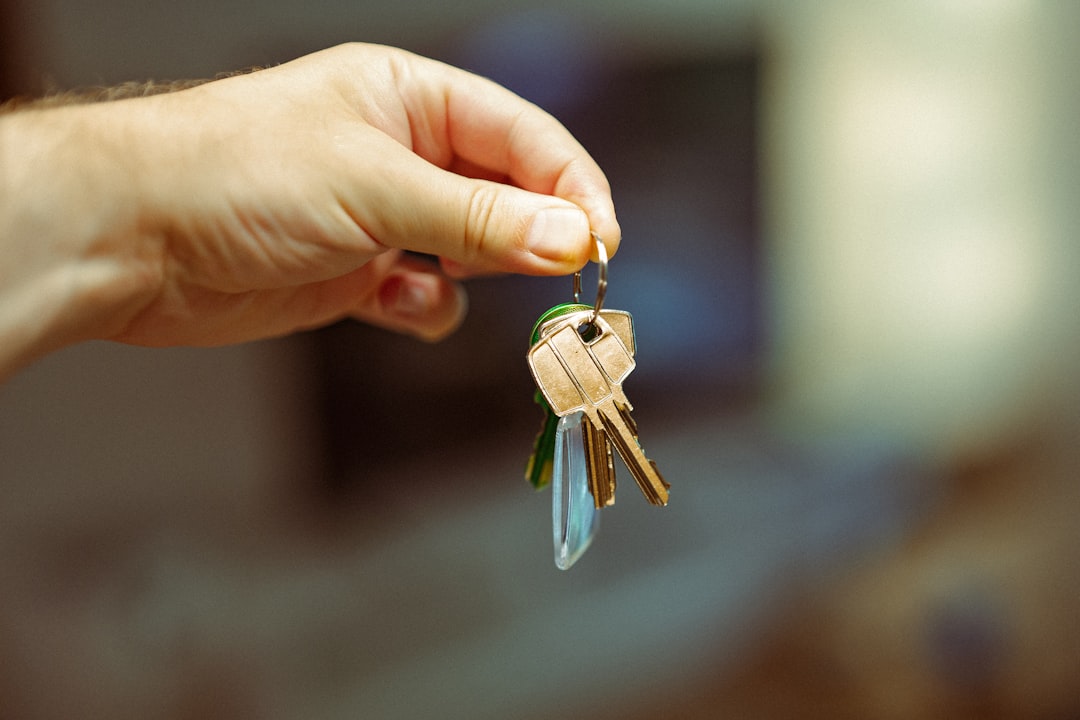
Cover photo by Jakub Żerdzicki on Unsplash.
Why a Generic Link-in-Bio Page Doesn't Cut It for Real Estate
Most link-in-bio tools give you a plain list of text buttons. That works for a podcast or a newsletter, but real estate is a visual, high-stakes business. Buyers want to see photos of the apartment before they tap "Book a showing." Sellers want to feel confident about you before they call. A plain list of links skips all of that.
What realtors actually need from a link-in-bio page:
- Image-thumbnail buttons so each listing shows its cover photo, not just an address
- A pinned contact button (WhatsApp, phone, or email) that's always visible without scrolling
- A photo gallery for a current project or neighborhood showcase
- A short video — a 60-second walkthrough or a "here's how I work" intro converts far better than text
- Click analytics so you can see which listings get tapped most
The Exact Link-in-Bio Setup for Realtors That Actually Generates Leads
Here's a concrete structure you can replicate. Place items in this order on your page:
- Profile photo + one-line bio. "Selling homes in [city] since 2016. DM me anything." That's enough. Visitors already came from your social profile — they know who you are.
- Pinned WhatsApp or phone button at the top. Make it the first thing people see. Serious buyers and sellers will tap it immediately. Everyone else will scroll.
- Featured listings with image thumbnails. Use a layout where each button shows a cover photo. Link each one to the listing page on your MLS portal or your own website. Label them clearly: "3BR in Maadi — 2.1M EGP" or "Studio in JVC — AED 480K."
- Photo gallery. A 6–9 photo grid of a recent sold property or your best current listing gives visitors something to browse without leaving your page.
- Short walkthrough video. Even 45 seconds of you walking through a property performs far better than a link to a YouTube channel. Embed it directly.
- "What's my home worth?" link. This is one of the highest-intent actions a homeowner can take. Link it to a valuation request form — your CRM, a Typeform, or even a WhatsApp pre-filled message.
- Booking link. Calendly, Cal.com, or any scheduling tool. Label it "Book a free 15-min consultation" — not just "Schedule a call."
Matching Your Page to Your Specific Real Estate Niche
The order and emphasis of your sections should shift depending on what you sell.
Residential sales agent: Lead with featured listings, then gallery, then valuation link, then booking. Your audience is split between buyers browsing and homeowners thinking about selling. The valuation link captures the second group.
Rental specialist: Lead with available units (image-thumbnail buttons with rent price in the label), then a WhatsApp button that says "Ask about availability," then a short explainer video about your rental process. Renters decide fast — make WhatsApp the easiest possible tap.
Off-plan / new development: Lead with a gallery or a video walkthrough of the project. Follow with a button to the brochure PDF, then a booking link for a site visit, then a "Register interest" form. Buyers at this stage are in research mode — give them depth before asking for a call.
Commercial real estate: Your audience is on desktop as often as mobile. Still worth having a link-in-bio page for your Instagram and LinkedIn, but focus on a clear PDF brochure link and a direct phone number rather than video or gallery.
How to Use Your Link-in-Bio QR Code at Open Houses and Property Fairs
A link-in-bio page isn't just for social media. Print your QR code on:
- Property flyers left at the door of each listing
- Your business cards (one QR replaces five different URLs)
- A pull-up banner at property fairs and expos
- The windshield card inside show apartments
When someone scans the QR at an open house, they land on a page that already shows the listing they're standing in, your contact button, and a booking link for a follow-up. That's a far warmer experience than handing them a card they'll lose.
Choosing Between Linktree, Beacons, Carrd, and Alllinks for Real Estate
Linktree is fast to set up but offers only text buttons on its free plan — no image thumbnails, no gallery, no video embedding. That makes it weak for a visual niche like real estate.
Beacons has good media support but its free plan adds Beacons branding and the interface can feel cluttered when you have more than five or six links.
Carrd works well for a static one-page site but isn't designed for dynamic link lists. Adding a new listing means editing a web page, not clicking "add link."
For realtors specifically, the features that matter most are image-thumbnail link buttons, a photo gallery, video embedding, a pinned contact button, and a QR code you can print. Those are the things to check before picking any tool.
Get Your Realtor Link-in-Bio Page Live Today
Alllinks gives you all of the above on its free plan: image-thumbnail link buttons, a photo gallery, video embedding, a pinned WhatsApp contact button, a printable QR code, and click analytics so you can see which listings get the most interest. If you want a custom domain (yourname.com instead of alllinks.cc/yourname), that's on the paid plan along with advanced analytics and additional customization. Setup takes under ten minutes — add your listings, upload a cover photo for each, pin your WhatsApp button, and share the link in your Instagram bio.
