Your restaurant's Instagram bio has exactly one clickable link, and most restaurants waste it by pointing to a homepage that loads slowly, buries the menu, and makes hungry people work too hard. A dedicated link in bio for restaurants fixes that — one fast mobile page with every action a diner might need, in the right order, with zero friction.
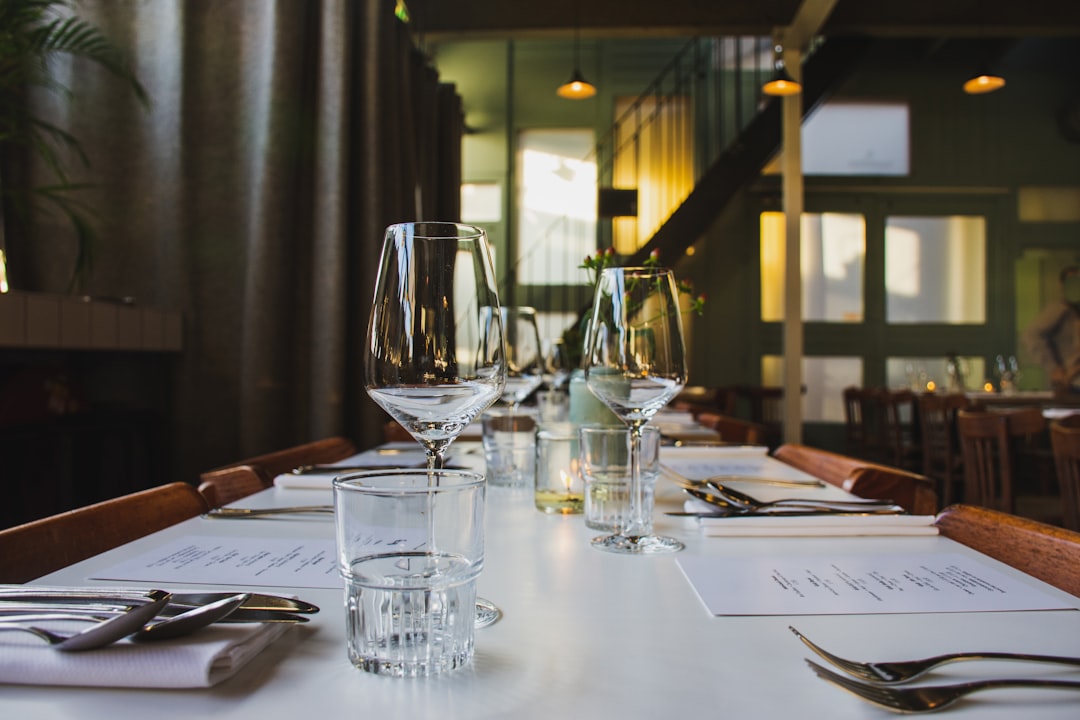
Cover photo by Ronan on Unsplash.
Why a Generic Website Link Fails Hungry Followers
Think about what someone actually wants when they tap your Instagram bio link at 7 pm on a Friday. They want your menu, your phone number to book a table, or a button to order delivery. What they usually get is a homepage with a hero slideshow, a "Story" section, and a navigation menu they have to explore.
Mobile page speed is also a real factor. A full website on mobile can take 4–6 seconds to load over a cellular connection. A well-built link-in-bio page loads in under a second. That gap costs you orders.
The second problem is that your needs change: you add a new delivery app, you start accepting reservations through a new system, you launch a Ramadan special menu. Updating a full website for each of these is slow. Updating a link-in-bio page takes two minutes.
The Right Structure for a Restaurant Link in Bio Page
Order your page by urgency — put the thing most people want at the top. For most restaurants, that hierarchy looks like this:
- Menu button — link to a PDF menu or your online ordering page. If you have multiple menus (lunch, dinner, drinks), stack them as separate buttons with clear labels.
- Order delivery — separate buttons for each platform: Talabat, Jahez, Careem Food, Uber Eats, whichever applies. Use the platform logo as a thumbnail so diners recognize them instantly.
- Reserve a table — a button to your booking system (OpenTable, SevenRooms, a WhatsApp number, or a direct phone link). If reservations aren't available, skip this so you don't frustrate walk-in customers.
- Location — a Google Maps link. If you have multiple branches, list each as a separate button with the neighborhood name.
- Photo gallery — a grid of your best food photos. People who are on the fence about ordering will scroll your gallery before deciding. This is more convincing than any text.
- Special offers or seasonal menu — a pinned section at the top when you're running a promotion. Remove it the moment the offer ends so the page stays accurate.
Notice what's not on this list: your full brand story, your chef's biography, your awards, your press mentions. Those are for your website. Your link-in-bio page is a conversion tool, not a branding document.
Link in Bio for Restaurants: Platform-Specific Tips
Different platforms send you different kinds of traffic, and the intent varies.
Instagram: Your primary traffic source. People discover you through food photos and Reels, then tap the bio link to figure out how to order. Make your top button the most popular action — for most restaurants that's delivery or the menu.
TikTok: Younger audience, often discovering you for the first time. Lead with something visually compelling: a photo gallery section or a short video embed of your signature dish. Then put the order button immediately below it.
WhatsApp Business: If you take orders or reservations through WhatsApp, add a pinned WhatsApp button so it's always visible. Some link-in-bio platforms let you display this as a floating contact button rather than burying it in the list — use that feature if it's available, because customers who want to message you will find it faster.
What to Do With Multiple Branches
If you run more than one location, the simplest approach is one link-in-bio page per branch, each with its own Instagram account. This keeps the menu, hours, and address accurate per location and avoids the confusion of a master page with a long branch-selection menu.
If you run a central brand account that covers all branches, use a section heading to group your branches and label each button clearly: "Riyadh — Olaya", "Riyadh — Tahlia", "Jeddah — Al Corniche". Don't make people guess which location a link leads to.
Using Analytics to Improve Your Page
A link-in-bio page with click analytics tells you exactly which buttons people actually tap. This data is more useful than you might expect:
- If your "Reserve a table" button gets almost no clicks but your delivery buttons are constantly tapped, you know where your audience's intent lies. Stop promoting reservations in your Instagram captions and lean into delivery-focused content.
- If a seasonal offer button stops getting clicks before the promotion ends, that's a signal the offer isn't resonating — time to refresh the copy or the visual.
- If your photo gallery gets a lot of views but few people click the order button afterward, the gallery might need better food photography, or the order button might need to move above the gallery instead of below it.
Check your analytics weekly when you're actively running a promotion, and monthly otherwise. Small tweaks to button order and labels can meaningfully increase the number of orders that come through your bio link.
Common Mistakes Restaurants Make With Their Bio Link
- Linking directly to a delivery app — this sends people to one platform only and loses everyone who prefers a different app or wants to dine in.
- Sending all traffic to the homepage — your website is built for desktop; your Instagram audience is on mobile. The conversion rate will be poor.
- Forgetting to update the page — a "Eid Special Menu" button that still appears in August destroys trust. Set a reminder to remove time-limited offers the day they expire.
- Too many buttons — if your page has 12 buttons, nothing feels important. Ruthlessly cut anything that doesn't directly help a customer order, book, or find you.
- No food photos — text buttons alone don't sell food. Even two or three high-quality images of your signature dishes will increase engagement.
Get Your Restaurant's Link in Bio Working Today
If you want a mobile-optimized page that loads fast, holds your menu link, delivery buttons, a photo gallery, a pinned WhatsApp contact button, and a QR code you can print on your tables — all from one place — Alllinks gives you exactly that, with a free plan to get started. The setup takes about ten minutes, and you can update it any time your menu or offers change without touching your website.
Frequently Asked Questions
Can I link to multiple delivery apps from one bio link?
Yes. A link-in-bio page lets you add a separate button for each delivery platform — Talabat, Jahez, Careem Food, Uber Eats, and any others — so customers use whichever app they prefer without you having to choose one.
Should I use a link-in-bio page or just link directly to my menu PDF?
Link to the page, not the PDF. A direct PDF link gives customers your menu but no way to order, book, or find your location without going back to Instagram. A link-in-bio page keeps all those actions one tap away.
Do I need a separate page for each social media platform?
Not necessarily. One well-structured page works for both Instagram and TikTok. The same page can sit behind both bio links. You only need separate pages if your branch locations differ by platform, which is unusual.
What's the difference between a link-in-bio page and a website?
A website is designed for browsing and discovery — it has many pages, loads more slowly on mobile, and covers your full brand story. A link-in-bio page is a single fast-loading mobile screen built specifically to convert a social media visitor into an order, reservation, or contact. Both are useful; they serve different jobs.
How often should I update my restaurant's link-in-bio page?
Update it whenever something changes: a new delivery app, a seasonal menu, updated hours, a new branch, or an active promotion. Remove outdated content the day it expires. Think of it as a living notice board, not a set-and-forget page.
